Downloader Says “Video Unavailable” but It Opens in TikTok? Here’s Why
You copy a TikTok link, paste it into a downloader, and get a frustrating message: “Video unavailable” or “Video not found.” So you tap the same link again— and the video plays perfectly inside TikTok. It feels like the downloader is broken or that the error must be a glitch.
Most of the time, it is neither. The video may be unavailable to the downloader, even though it still plays in your TikTok app. You and the tool are looking at TikTok from two completely different positions and that difference explains almost every case of this error. Once you understand what a downloader can and cannot see, the fix (or knowing there isn’t one) becomes much clearer.
This guide covers why it happens, a 30-second test that tells you the truth about any link, the common causes, and the steps worth trying.
Why a Video Can Play for You but Look Unavailable to a Downloader
When you open TikTok, you are logged in. The app knows who you follow, your age, and your country, and it shows you videos based on all of that. If you follow a private account and the creator has approved your request, you may be able to watch their videos while logged in. If a video is restricted to adults, you see it because your account meets the requirement. If a video is licensed for your region, you see it because your connection is there.
A downloader has none of that. It does not log in as you and it should never ask for your TikTok password. It simply visits the public web version of the link, as an anonymous visitor, usually from a server in another country. If that anonymous visit does not return a public, playable video, the tool has nothing to download — so it reports the video as unavailable or not found.
In short: the app shows you what you are allowed to see. A downloader can only fetch what everyone is allowed to see. When those two views do not match, you get this exact error.
The 30-Second Test That Tells You the Truth
Before trying random fixes, run this one test. It copies what a downloader sees and it settles the question faster than anything else.
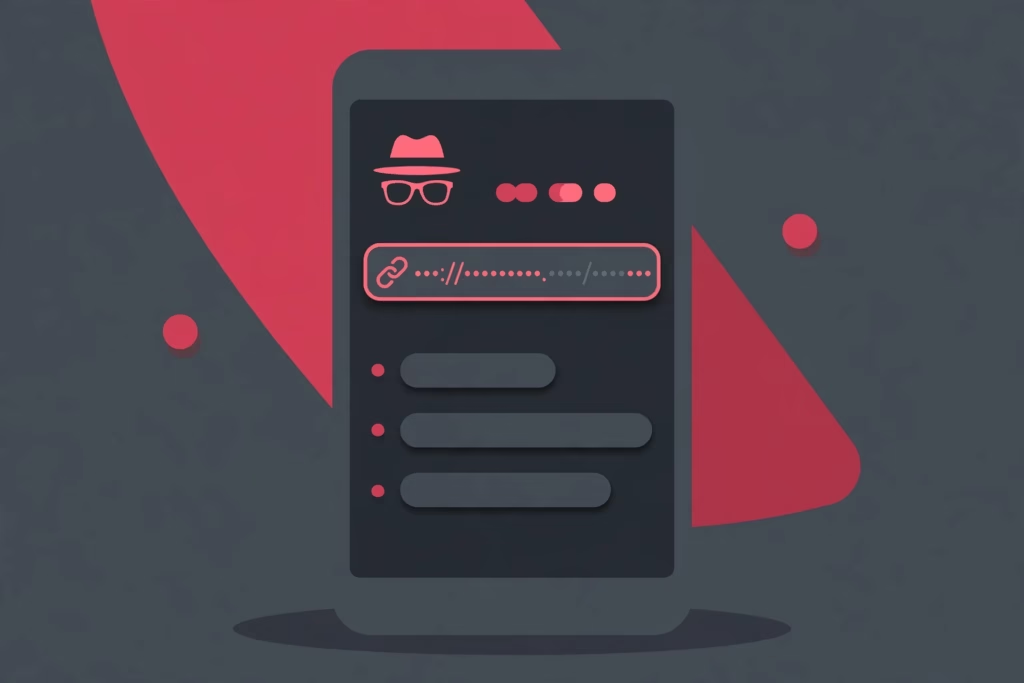
- Open a private or incognito window in your browser. In Chrome, tap the three-dot menu and choose “New Incognito tab.” In Safari, use a Private tab.
- Make sure you are not logged in to TikTok in that window. Private windows normally start logged out, which is exactly what you want.
- Paste the TikTok link into the address bar and open it.
- Watch what happens. Does the video play or do you get a login prompt, an unavailable message or a blank page?
If the video plays in that private, logged-out window, the link is genuinely public. The problem is probably a messy link or a temporary glitch and the steps below should fix it.
If the video does not play in the private, logged-out window, it may require login or have another access restriction. Some downloaders may behave differently, so identify the cause before trying another tool. Skip to the causes below to work out which restriction applies.
The Most Common Causes, Explained
1. You Can See It Because You Are Logged In
This is the number one cause. Some videos are visible only to signed-in users or TikTok’s web page demands a login before showing them. In the app, you are already signed in, so you never notice the wall. A downloader, visiting without your account, hits that wall and reports the video as unavailable.
2. The Account Is Private or Followers-Only
If the creator has a private account, only approved followers can watch their videos. If you follow them, everything looks normal in your feed. But to the public web, those videos effectively do not exist. The same applies to individual videos the creator set to “Friends” or “Only you.” No tool can download a video that was never made public, and any tool that promises otherwise should not be trusted.
3. The Video Was Deleted or Made Private After You Copied the Link
Links travel. A friend sent it yesterday or you saved it last week. In between, the creator may have deleted the video or switched it to private. An old message or shared link may still display a preview or thumbnail, even when the video is no longer available. The live page, however, is gone — and that is what the downloader checks.
4. Region Restrictions
Some videos are only available in certain countries, often because of music licensing or the creator’s settings. You may be in an allowed country, so the video plays for you. The downloader’s servers may be elsewhere, where TikTok blocks it.The downloader may therefore fail to access the video and return an “unavailable” message, even though the video plays in your region.
5. Age-Gated Videos
TikTok restricts some content to viewers aged 18 and over. Your account has a birth date attached, so the app lets you watch. An anonymous web visit cannot prove anyone’s age, so TikTok withholds the video entirely. Downloaders cannot fetch age-gated videos for the same reason — there is no public version of the page to read.
6. A Messy Link Copied From the Share Sheet
Sometimes the video is fine and the link is the problem. Copying from a share sheet or chat app can add extra text around the link, such as “Check out this video!” plus the URL, or trim characters from the end. Paste that into a downloader and it may look up the wrong address — and report not found. This is the easiest cause to fix.
Causes at a Glance
| Cause | How to check | Can it be fixed? |
|---|---|---|
| Login-only visibility | Private window asks you to log in | Usually not — the video is not public |
| Private account or followers-only video | Account shows as private in a logged-out browser | Only the creator can make it public |
| Deleted or made private later | Link fails everywhere, even for friends | No — deleted videos cannot be recovered |
| Region restriction | Link works for people in one country but not another | Sometimes, if the creator widens availability |
| Age-gated content | Video carries an age restriction notice in the app | No — anonymous tools cannot verify age |
| Messy or broken link | Past text includes words or extra characters around the URL | Yes — copy a fresh, clean link |
Step-by-Step: What to Try, in Order
Work through these steps from the top. They go from the quickest, most likely fix to the last resort.
- Copy a fresh link directly from TikTok. Open the video in the app, tap Share, then “Copy link.” Do not reuse an old link from a chat, a note or a screenshot. Paste only the link itself — no extra words before or after it.
- Run the private window test. As described above, open the fresh link in an incognito window while logged out. If it plays there, try the downloader again with the fresh link. Most link-related errors disappear at this point.
- Check whether the account is public. While still logged out in the browser, open the creator’s profile.If the video grid is hidden while you are logged out, the account may be private or TikTok may be restricting access. Public downloaders generally cannot access videos that are not publicly available.
- Check the video’s own settings in the app. If you can, open the video and look for signs it is restricted: an age warning, or a “Friends” audience if it is your own upload. Restricted videos will not work in a downloader.
- Ask the creator. If the video matters to you, message the creator and ask them to make it public or to send you the file. This is the only legitimate route for private content.
- Accept it if the video is gone. If the link fails in the app too, and the creator’s page no longer lists it, the video has been deleted.
For public videos, the process takes seconds: copy the link, paste it, save the file. Our walkthrough on how to download TikTok videos covers it step by step. If you only need the sound from a public clip, the TikTok MP3 downloader does the same job for audio.
What No Downloader Can Do
It is worth being direct, because plenty of sites overpromise here. No legitimate downloader can:
- Recover a deleted video. Once the creator deletes it and TikTok removes it, there is no copy left for a tool to fetch.
- Download from a private account you do not follow — or even one you do follow, because your follow approval belongs to your account, not to the tool.
- Bypass an age gate. A tool cannot prove a viewer’s age, so TikTok serves it nothing.
- Log in as you. Any site that asks for your TikTok username and password to “unlock” a video is a red flag. Do not hand over your account to fix a download error.
If a tool claims it can do these things, the safest assumption is that it is either lying or putting your account at risk. The honest answer for restricted videos is to get the file from the creator, with their permission.
Frequently Asked Questions
Why does it work in the app but not in a browser?
Because the app knows you. You are logged in, and TikTok knows the accounts you follow, your age, and your region. A logged-out browser visit — and a downloader — only sees the public version of the page. If the video needs a login, a follow, an age check, or a specific region, the browser and the tool see “unavailable” instead.
Can a VPN help with region-blocked videos?
Usually not in the way people hope. A VPN on your phone changes where your connection appears to be. It does not change where the downloader’s servers are, and the downloader is what fetches the video. So if a video is blocked in the tool’s region, a VPN on your device will not fix the download. It may let you watch the video, if that complies with TikTok’s rules and local law, but watching and downloading are different steps.
Does “video unavailable” mean I was blocked by the creator?
Almost certainly not. If a creator blocks you, you typically cannot find their profile or videos in the app at all. This error is the opposite pattern: the video works for you in the app and fails only in the tool. That points to a visibility restriction — private, login-only, age-gated, region-limited, or deleted — not a block.
The creator deleted the video. Can any tool recover it?
No. Downloaders fetch the live, public file from TikTok. Once a video is deleted, that file is removed and there is nothing left to fetch. Sites claiming to recover deleted TikToks are not being honest. Your only real options are to ask the creator for the original file or check whether the creator re-uploaded it.
How can I tell if an account is private without asking the creator?
Open the creator’s profile link in a private browser window while logged out. If the page says the account is private and hides the videos, it is private. If you can see the full video grid and play clips, the account is public — and a specific video failing then points to that video’s own settings, its region or its age gate.
Why does one downloader work and another says unavailable?
Tools run servers in different places and handle links slightly differently. A region-limited video may load for a tool in an allowed country and fail for one elsewhere, and one tool may clean up a messy link better than another. If a video is genuinely public, a reputable downloader may be able to process it. If it is private or deleted, however, a downloader generally cannot access it.
Try It With a Public Video
Now you can tell the difference between a broken link and a video that was never public. Run the private window test, copy a fresh link and you will solve most cases in under a minute — and for the rest, you will know exactly why.
For any public TikTok video, you can save it free with Clipzun — no account, no sign-up and no watermark added by us. Paste the link, download the video or MP3, and you are done. And if a link fails the logged-out test, you will know the tool is telling you the truth: that one simply is not public.