How to Download TikTok Videos as MP3 (Audio) – Free (2026)
Ever had a TikTok sound stuck in your head — a trending song, a podcast clip, a voiceover that’s funnier every time? Instead of rewatching the video on repeat, just download the TikTok audio as MP3 and listen whenever you want. If you want to keep the audio separate from the video, an online TikTok to MP3 converter can be useful. Clipzun lets you check the available audio download options directly in your browser, without installing a separate app.
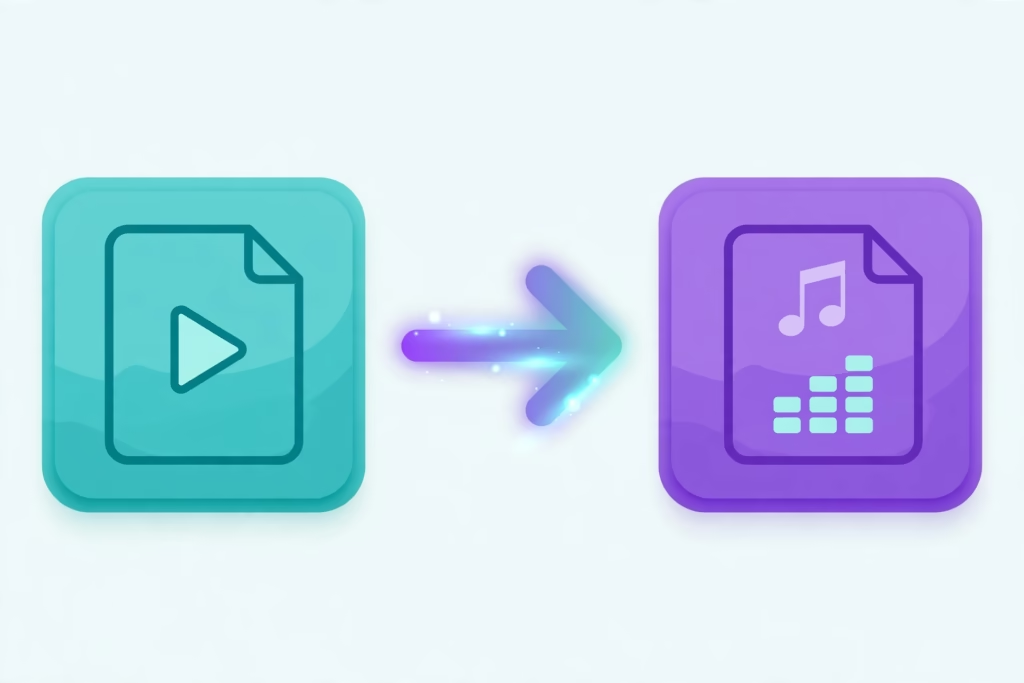
Why Download TikTok Audio as MP3?
People grab TikTok sounds as MP3 for all kinds of reasons — here are the big ones:
- Saving trending songs and remixes for offline listening (hello, gym playlist)
- Snagging voiceovers and sound effects for your own video edits
- Keeping podcast clips, speeches, and comedy sketches as pure audio
- Building your own little library of sounds you love
Because an MP3 contains audio rather than the full video, it will usually take up less storage space. The exact file size depends on the audio length and quality.
How to Convert TikTok to MP3 (Step by Step)
On Mobile
- Find the video on TikTok with the sound you’re after.
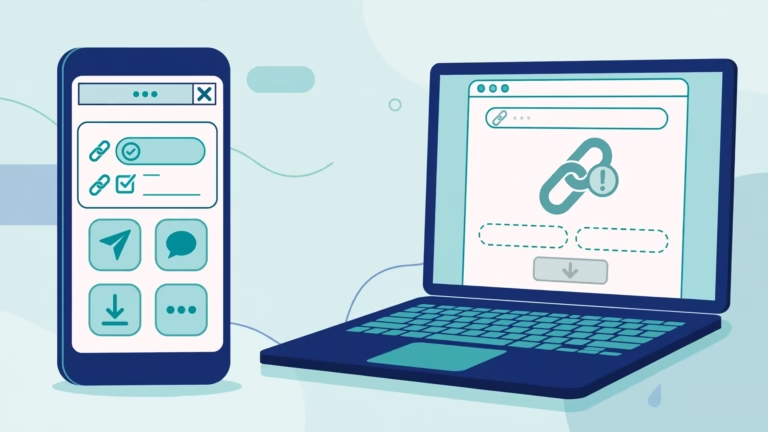
- Tap Share, then Copy Link.
- Open Clipzun.com in your browser.
- Paste the link and tap Download.
- Choose the Download Music option — your file saves right away.
On Desktop
- Copy the video’s URL from your browser’s address bar.
- Paste it into the downloader at Clipzun.com.
- Click Download and select Download Music.
- Save it to your music folder. Done.
MP3 vs MP4 — Which Should You Choose?
| MP3 (Audio only) | MP4 (Full video) | |
|---|---|---|
| File size | Very small | Larger |
| Best for | Music, podcasts, ringtones | Reposting, editing, watching |
| Speed | Usually smaller to download | Usually larger to download |
Tip
If you only need the audio, MP3 is a practical choice because you don’t need to save the full video. Just keep in mind that file size and download time can vary.
Key Features of Clipzun’s TikTok MP3 Downloader
- Audio download options — save the available audio separately when supported by the video and downloader.
- Free to use — convert supported links without paying for any service.
- No signup — paste the link, get your MP3
- Works on every device — iPhone, Android, Windows, Mac
- Need the video as well? Check the available MP4 download options on Clipzun.
Common Issues & Quick Fixes
- No audio option showing? Check whether the video contains an audio track and whether Clipzun supports that link. Some videos may not offer a separate audio download.
- MP3 won’t play? Pretty much every music app handles MP3. If yours is being stubborn, try VLC — it’s free.
- Link not working? Copy the full video URL again — shortened links can be flaky.
Frequently Asked Questions
How do I download TikTok audio as MP3?
Open the TikTok video, copy its link, and enter it on Clipzun.com. If an MP3 option is available, select it and download the audio file to your device.
Is the TikTok to MP3 converter free?
Yep, totally free — convert as many as you want, no catch.
What quality is the MP3?
Audio quality depends on the source video and the available download option. Converting audio to MP3 does not automatically improve its original quality.
Can I use the MP3 as a ringtone?
Yes, if your phone supports using downloaded audio as a ringtone. The setup process varies between iPhone and Android, and you may need to move or edit the file first
Does it work on iPhone?
It does — works right in Safari on iPhone, no app needed.
Do I need an account?
Nope. No account, no app, nothing to install.
If you want to keep a useful voice clip, a podcast snippet, or another sound for offline listening, an MP3 download can be more convenient than saving the full video. Check the available audio options and make sure you have permission to reuse copyrighted content.