Is It Safe to Use an Online TikTok Downloader?
Ever wondered if an online TikTok downloader is safe? You’re not alone. There are plenty of free tools online, but not all of them are trustworthy. Some work fine, while others may show annoying pop-ups, redirect you to unwanted websites, or ask for your TikTok login details.
So, is it safe to use a TikTok downloader? It can be, as long as you choose the right one. A good downloader should be easy to use, work in your browser, and never ask for your TikTok password. In this guide, we’ll look at the common risks, explain how to spot an unsafe website, and show you what to check before downloading a video. We’ll also explain how Clipzun works and what you should know about staying safe online.
Table of Contents
Is a TikTok Downloader Safe? The Short Answer
For most people, on most reputable sites, yes. An online TikTok downloader is simply a web service: you paste the link of a public TikTok video, the service fetches the MP4 file from TikTok’s servers, and your browser downloads it. There’s no magic involved, but no website is completely risk-free. Choosing a reputable downloader, avoiding suspicious links and never sharing your login credentials can help reduce the risks.
The problems start with the copycat sites — the ones that look like downloaders but are really built to make money off your clicks, your data or your device. Understanding the difference is the whole game, so let’s look at what can actually go wrong.
The Real Risks of Shady Downloader Sites
1. Fake downloader sites packed with malware
The nastiest sites in this space aren’t downloaders at all — they’re traps. You click a big shiny “Download” button and instead of an MP4, you get a barrage of popups, a forced redirect to some “your phone has a virus” scare page, or an executable file you definitely didn’t ask for. On desktop, these can drop adware or browser hijackers; on mobile, they may push you toward sketchy APK installs from outside the Play Store.
A real downloader gives you one clear download button for the video file itself. If clicking “download” starts opening new tabs, that’s your cue to leave.
2. Phishing pages asking for your TikTok login
This is the big one, so let’s be blunt: A downloader should not need your TikTok username or password to process a public video link. If a third-party site asks you to log in or verify your account, treat it as a warning sign and avoid entering your credentials. Downloading a public video doesn’t require authentication — the video is already public.
If a site shows you a TikTok-style login screen, or asks you to “verify your account” before downloading, it’s phishing. Enter your credentials there and you’re handing your account to a stranger. TikTok accounts with large followings are valuable targets, and stolen accounts get sold or used for spam within hours.
3. Aggressive ads, popups and redirect loops
Ads keep free tools alive, and there’s nothing wrong with a site showing a banner ad or two. The problem is the sites that weaponize advertising: popups that spawn more popups, fake “Download” buttons that are actually ads, countdown timers, and redirect chains that bounce you across five domains before you ever see a video.
Beyond being infuriating, aggressive ad networks are how “malvertising” spreads — malicious ads that can exploit browser vulnerabilities. A safe downloader keeps advertising restrained and clearly separated from the actual download button.
4. Impossible promises and too-good-to-be-true offers
“Download private TikTok videos!” “Remove watermarks from anyone’s drafts!” “Get 10,000 free followers with our downloader!” If a site promises things that sound impossible, that’s because they are. Be cautious of sites that promise access to private videos, protected content, or features that require someone else’s account credentials. These claims may be misleading and could expose you to phishing attempts or unwanted software. Stick to videos you are authorized to access and download., and follower generators are scams, full stop. These promises exist to get you to click, install, or sign up for something you’ll regret.
Green Flags: How to Tell If a TikTok Downloader Is Safe
Here’s the good news: safe downloaders share a set of obvious traits. Run through this checklist before you trust a new tool, and you’ll filter out 99% of the bad actors without breaking a sweat.
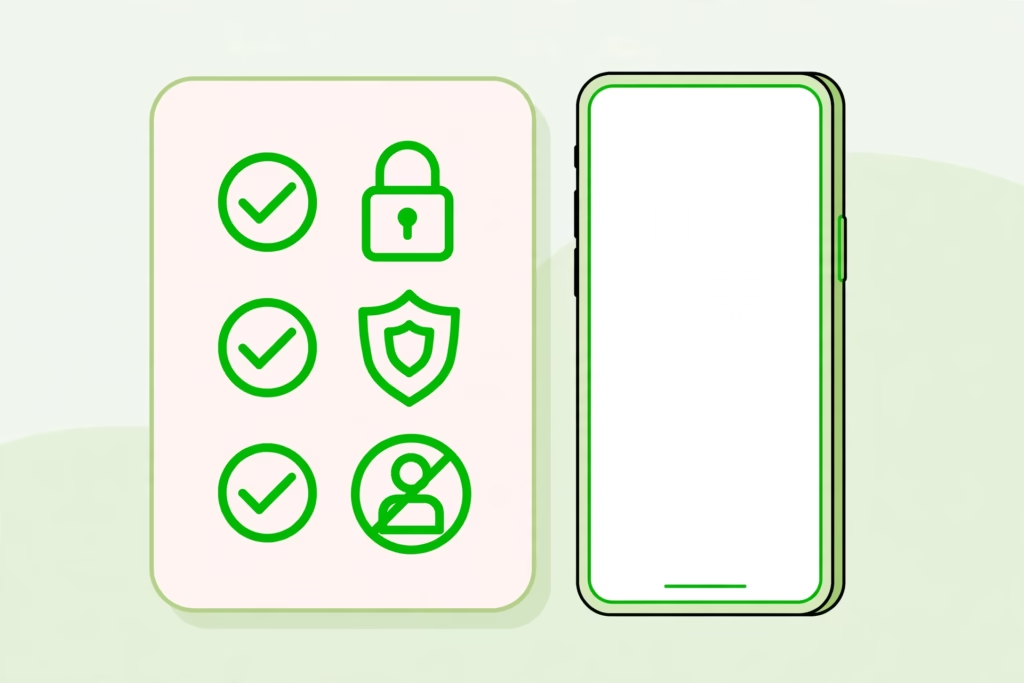
- The site uses HTTPS.Check that the address begins with https:// and that your browser doesn’t show a security warning. HTTPS encrypts the connection between your browser and the website, but it doesn’t guarantee that the site itself is trustworthy.
- No account or signup required. Downloading a public video needs zero personal information. If the tool works without you creating an account, that’s a strong trust signal.
- No software to install. A proper online downloader works entirely in your browser — on iPhone, Android, or desktop. Any site that forces you to download an app or browser extension to “unlock” downloads is a red flag.
- It never asks for your TikTok password. Worth repeating: never enter your TikTok credentials on a downloader site. Not once, not ever.
- Clear privacy information. Trustworthy tools explain what they do (and don’t) collect. If a site has no privacy policy at all, ask yourself what it’s hiding.
- One clear download button. The real button downloads the MP4. If you have to guess which of six “Download” buttons is real, you’re on the wrong site.
- A focused, professional design. This isn’t foolproof, but legitimate tools tend to look like they were built by people who care. Throwaway scam sites look… throwaway.
Red Flags: Signs a TikTok Downloader Is NOT Safe
Flip the checklist around, and here’s when to close the tab immediately. If you spot even two or three of these on the same site, don’t try to work around them — just leave.
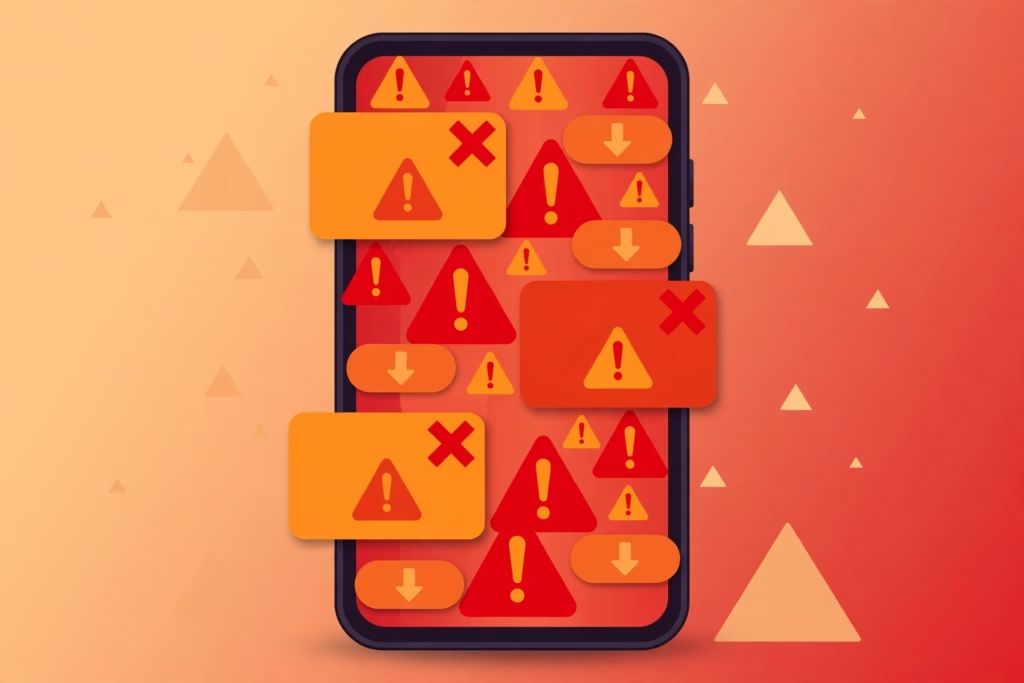
- It asks you to log in with TikTok (or Google, or Facebook) before downloading.
- It forces you to install an app, APK, or browser extension first.
- Clicking download opens popups, new tabs, or starts downloading .exe files.
- It promises to download private videos or generate free followers.
- There’s no HTTPS padlock, or your browser warns the connection isn’t private.
- The page is drowning in fake download buttons and countdown timers.
- It asks for payment details for a supposedly “free” download.
⚠️ Already entered your password somewhere shady? Change it right now in TikTok’s official app or on tiktok.com, then turn on two-step verification in your TikTok security settings. Don’t wait — stolen credentials get abused fast, and a quick password reset locks attackers out.
Green flags vs. red flags at a glance
| ✅ Green flags (safe) | 🚨 Red flags (walk away) |
|---|---|
| HTTPS padlock in the address bar | Asks for your TikTok login |
| No account or signup needed | Forces app, APK, or extension installs |
| Works entirely in your browser | Popups and new tabs when you click download |
| Never asks for your TikTok password | Promises private videos or free followers |
| Clear privacy information | No privacy policy at all |
| One honest download button | Fake download buttons everywhere |
Is Downloading TikTok Videos Legal? What You Should Know
Downloading a TikTok video can raise copyright and platform-policy questions, depending on the content, how it is downloaded, and how it is used. TikTok provides a built-in Save video option on eligible posts when the creator allows downloads.
The important distinction is between saving a video for personal viewing and reusing someone else’s content. Reposting a video as your own, using it commercially without permission, or distributing copyrighted material may violate the creator’s rights or applicable rules. Giving credit is good practice, but it does not automatically replace permission when permission is required. Check TikTok’s current terms and applicable copyright law if you’re unsure.
How Clipzun Handles Safety
We built Clipzun’s TikTok Video Downloader around a simple principle: the safest tool is the one that asks nothing of you. Here’s what that means in practice:
- No account needed. There’s no signup, no login, no email address. You paste a link and download — that’s the entire relationship.
- Works right in your browser. No app to install, no extension, no APK from a random mirror. It runs on the phone or computer you already own, whether that’s an iPhone, an Android device, or a desktop.
- We never ask for your TikTok password. There is no login screen, no “verification” step, nothing that touches your account. Your TikTok credentials should only ever be typed into TikTok itself.
- Clean, predictable downloads. One paste field, one download button, and you get the MP4. No popup mazes, no fake buttons, no surprises.
Clipzun is designed to let users submit a public TikTok video link without creating an account. Here are the main features of the service and a few safety practices to keep in mind when using any online downloader.
Your Safe-Downloading Checklist
Next time you use any TikTok downloader — ours or anyone else’s — run through this 30-second checklist:
- Check for the HTTPS padlock in your address bar.
- Confirm the site doesn’t ask for an account or login.
- Make sure there’s nothing to install.
- Identify the real download button before clicking anything.
- Never enter your TikTok password anywhere but TikTok.
- If anything feels off — aggressive popups, weird redirects, impossible promises — just leave. There are plenty of safe alternatives.
The Bottom Line
So, is tiktok downloader safe? A reputable online TikTok downloader is as safe as any ordinary website: it takes a public link, hands you a video file, and asks for nothing in return. The danger isn’t the idea of downloading — it’s the handful of bad actors who exploit that idea with phishing pages, malware traps, and ad mazes.
Learn the green flags, memorize the red flags, and you’ll be fine. And if you’d like to skip the homework, Clipzun’s free TikTok downloader was built to be the boring, safe kind — paste, download, done.
Using an online TikTok downloader can be reasonably safe if you choose a reputable website and follow basic security precautions. Look for HTTPS, avoid sites that request your TikTok password, and don’t install unknown apps or extensions. Remember that HTTPS alone doesn’t guarantee a website is trustworthy.
A suspicious downloader site may expose you to malicious ads, unwanted downloads, or redirects. Avoid unknown APK files, executable files and unexpected installation prompts. Use a reputable website, keep your browser and device updated, and don’t open files you weren’t expecting to download.
It shouldn’t be. Downloading a public TikTok video requires no authentication, so any site asking for your TikTok username or password is almost certainly phishing. Never enter your credentials — close the tab, and if you already did, change your password in TikTok’s official app immediately and enable two-step verification.
No. A good online downloader works entirely in your web browser on iPhone, Android, or desktop. Any site that forces you to install an app, APK, or browser extension to “unlock” downloads is a red flag — safe tools need nothing installed.
The legality of downloading and reusing TikTok videos depends on the content, your intended use, copyright rules, and applicable platform terms. TikTok’s built-in Save video feature is available on eligible posts when creators allow it. Before reposting or using someone else’s video commercially, check whether you have the necessary permission.
Clipzun lets users submit public TikTok video links without creating an account. Whether any technical information, such as IP addresses or server logs, is collected or retained depends on the website’s actual data-handling practices. Review Clipzun’s Privacy Policy for details about information processing, retention, and third-party services.